SciBJ Instrument Agent · for Windows instrument PCs
Prove your data came straight from the instrument.
SciBJ Instrument Agent captures tamper-evident proof for every file your lab instruments produce — automatically, without changing how your lab works.
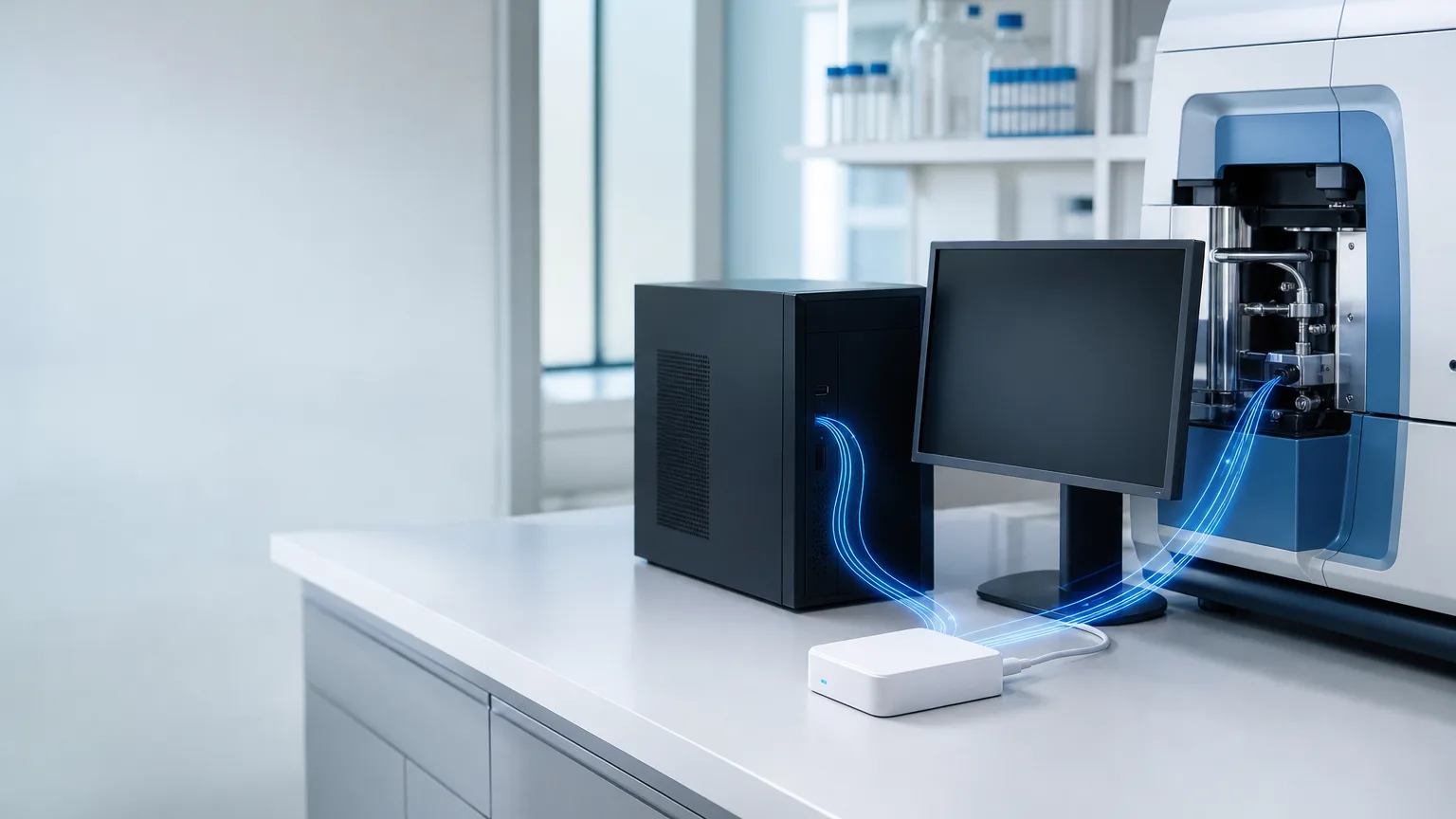
Research integrity starts at the bench
When results are questioned, “trust me” is no longer enough.
Raw data under scrutiny
Journals, funders and institutions increasingly ask to see raw data — and to know it hasn't been changed.
Instrument PCs are a blind spot
They are often old, offline and shared. Files can be copied, edited or replaced without leaving a trace.
Paper trails don't prove anything
Lab notebooks and screenshots can't show that a file came directly from the instrument.
Three steps. No new habits.
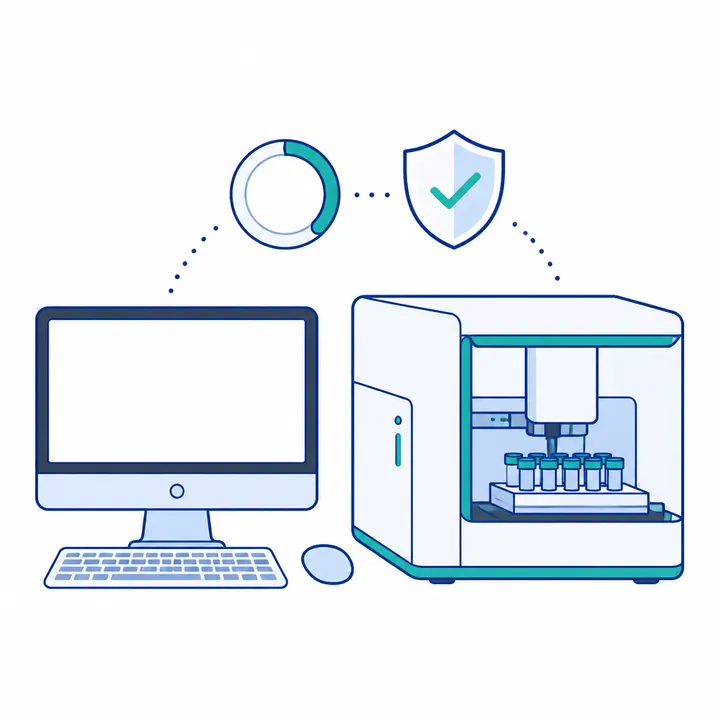
Install once.
IT installs the Agent on the instrument PC and the lab approves the instrument software. Works offline.

Work as usual.
Researchers plug in their SciBJ Collector, enter a PIN and run experiments as they always do. Every output file is captured in the background.
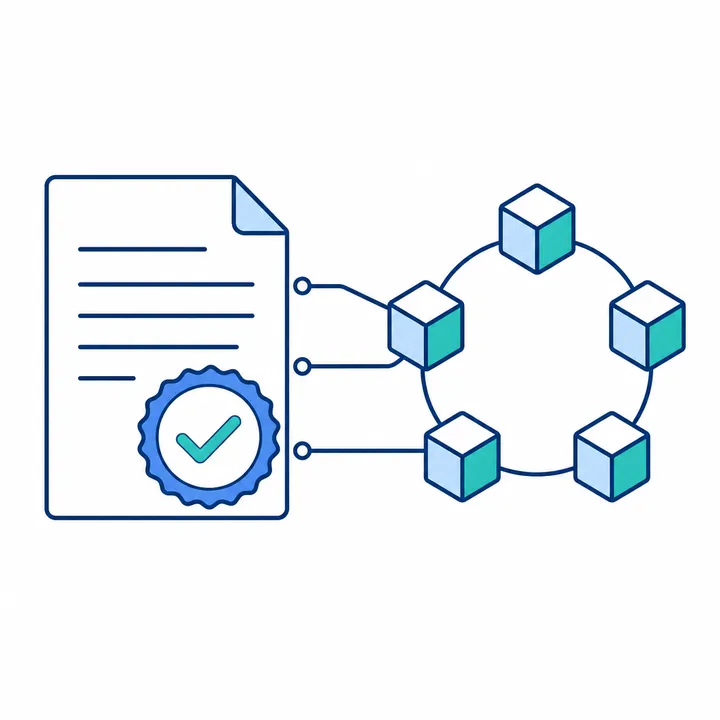
Verify anytime.
Researchers pick the files to keep with one click. Each one gets a verifiable record that reviewers, journals or the institution can check later.
Built for everyone who relies on the data
For researchers
- Show reviewers your raw data is exactly what the instrument produced.
- Keep working the way you do now — no extra forms or uploads.
- Your raw data stays on your own device and your team's storage.
For PIs and lab managers
- Know every result in your lab has a verifiable origin.
- See your team's data in one place, with redundant storage.
- Onboard new students and instruments in minutes.
For institutions
- Strengthen confidence in your institution's research output.
- Support data registration and pre-publication review.
- Records anchored on a consortium blockchain operated with participating hospitals.
Why labs choose SciBJ
Zero workflow change
Runs quietly in the background. Researchers keep using their familiar instrument software.
Tamper-evident from the first byte
Files are fingerprinted while they're being written, and registered the moment they're saved.
Protected output folders
Unapproved programs can't modify, rename or delete the instrument's results.
Your data stays yours
Raw files never go to the cloud. Only fingerprints and basic metadata are recorded.
Made for real lab PCs
Supports Windows 7 through Windows 11, older hardware, USB 2.0 and computers with no internet access.
Survives the unexpected
A crash or power cut doesn't erase the proof for files that were already saved.
One part of a complete platform
SciBJ Instrument Agent works with the SciBJ Collector, a personal hardware key that holds each researcher's signing key and raw data; a team NAS for redundant storage; an institution system for data registration and pre-publication review; and a consortium blockchain for trusted timestamps.
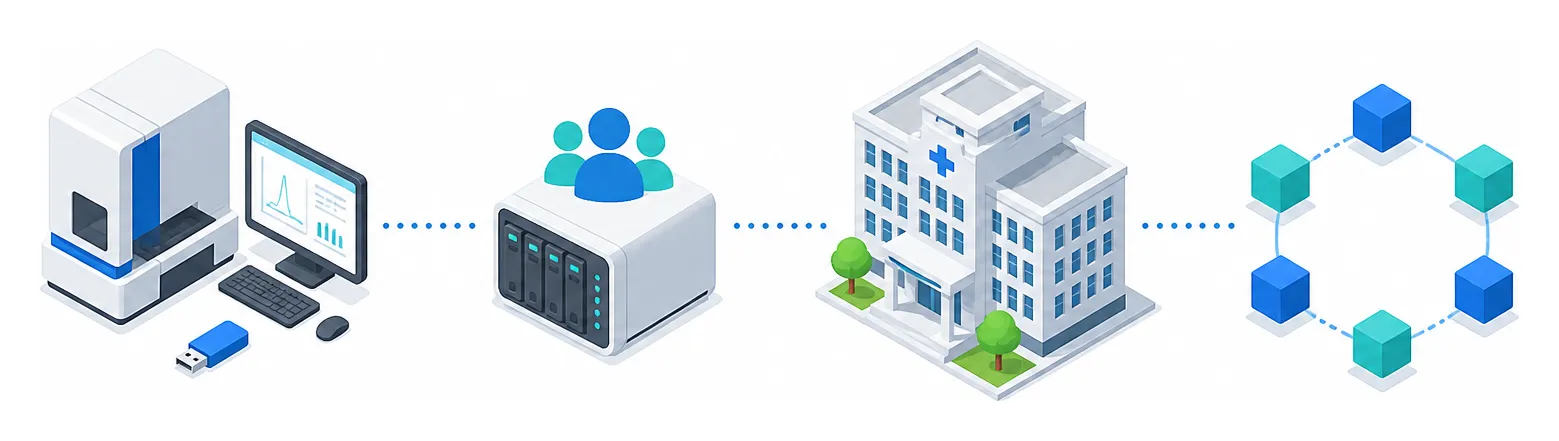
- Instrument PC + SciBJ Collector
- Team NAS
- Institution system
- Consortium blockchain
For IT teams
What gets installed on the instrument PC
- Windows 7 SP1 to Windows 11, 32-bit and 64-bit.
- Silent installation, fully offline — all prerequisites bundled.
- Lightweight: runs at background priority, even on older dual-core PCs.
- Includes a file system filter driver (
scibjflt.sys) that protects approved output folders. It does not alter, encrypt or upload file contents. - No internet connection needed on the instrument PC.
Frequently asked questions
Will it slow down my instrument?
No. Fingerprinting runs at the lowest background priority, and the instrument software is never blocked.
Does the instrument PC need internet access?
No. The Agent works fully offline; the SciBJ Collector has its own connection.
Is my raw data uploaded anywhere?
No. Raw files stay on the researcher's Collector and the team's storage. Only fingerprints and metadata are recorded.
Which instruments are supported?
Any instrument whose control software runs on Windows 7 to 11 and saves results as files.
What if the power goes out?
Files saved before the outage keep their proof. The Agent resumes when the PC restarts.
Company
Hangzhou Lianxing Evidence Preservation Information Technology Co., Ltd.
- Address
- Gongshu District, Room C131, Block 2, 6F, Dongfangmao Center, Hangzhou, ZJ, 310000, CN
- Business contact
- cenkai@scibj.com
- Technical and compatibility contact
- driver@scibj.com